
Appointment guide
What to expect on the day of your appointment
Once your booking is confirmed, you will be expecting an encrypted video link sent to your email address and also sent via SMS to your mobile device.
Pre Appointment
Telecare works on all modern devices with a camera, microphone and speakers. Laptops, desktops, smartphones and tablets are all suitable.
Device Requirements
Please ensure that your device is compliant with the minimum technical requirements. Find out what those requirements are here
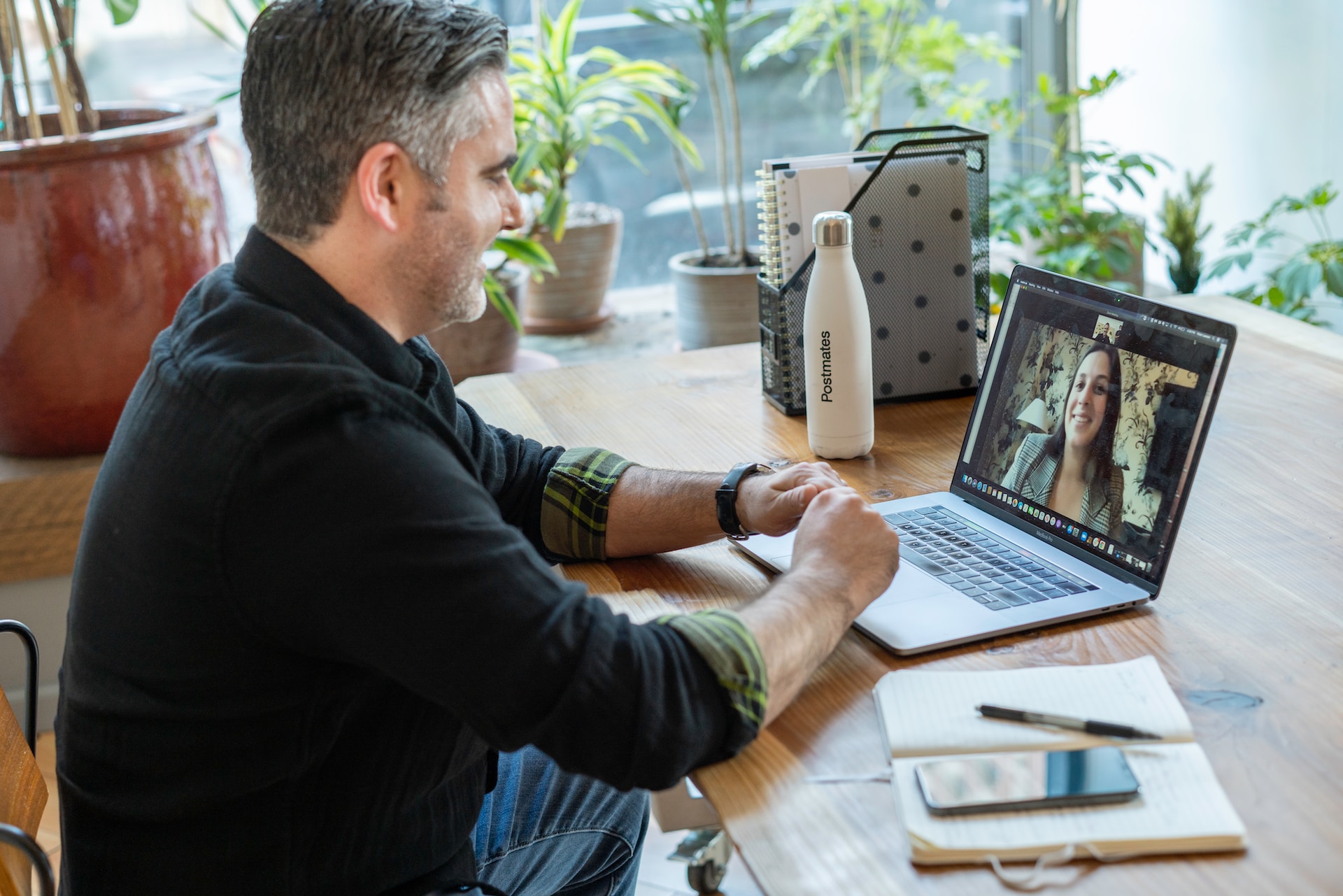
On the day
Join your appointment 15 minutes early
Technical issues can happen to the best of us. To ensure your device and internet connection are running smoothly on the day, join 15 minutes before your appointment start time to troubleshoot any last-minute glitches.
Close Apps and Streaming Services
During your session, streaming services like Netflix, Stan, or online gaming may decrease the quality of your session and slow down your internet speed. To prevent this, please close these services for the duration of your session.
Be in Quiet and Well-lit Space
- To avoid any outside disturbances during the consultation, please call from a private and quiet space.
- For video consultations, ensure your room is well-lit, ideally with natural lighting behind your device.
- You may also want to use a second screen, or a notepad to take and share notes throughout your consultation.
positioning
In video telehealth, positioning refers to the placement of the camera. Patients should be positioned so that they are centred in the frame, with the camera at their eye level. If using a built-in laptop camera, the laptop may need to be raised to achieve the correct height. The camera should be approximately arm's length away from the practitioner for optimal positioning. For tech support you can always contact us.
Gathering Necessary Information:
Preparing the relevant information ahead of time will help make your telehealth appointment more efficient and productive. Consider the following tips:
- Medications and medical history: Create a list of current medications including dosages, and any relevant medical history. This information will assist your healthcare provider in understanding your health status.
- Symptoms and concerns: Jot down any specific symptoms or concerns you want to discuss during the appointment. Having a clear outline will help you remember important points and ensure nothing is overlooked.
- Previous reports and test results: If you have any recent medical reports, lab results, or imaging studies, have them readily available on your device for reference during the appointment.
Please be aware that if you are not adequately prepared for your telehealth appointment, it may compromise the quality of care you receive. Your healthcare provider may have difficulty understanding your concerns or may not have access to essential information needed for accurate diagnosis or treatment. In some cases, if the appointment cannot proceed due to lack of preparation or a highly distracting environment, a cancellation fee may be charged.
By following these steps, you can optimize your telehealth experience and make the most of your appointment with Telecare. Our goal is to provide you with convenient and high-quality healthcare, right from the comfort of your own home. If you have any further questions or concerns, please do not hesitate to reach out to our support team.
We look forward to seeing you in our virtual clinic!
book your specialist appointment today
Over 300+ Specialists and Allied Health Professionals